Most quality control processes weren’t designed to fail. They evolved organically: a shared spreadsheet here, an email thread there, a call to confirm something got fixed. And for a while, they work… The problem is that as volumes grow and more people get involved, the seams start to show…
Feedback
gets lost in inboxes
Approvals
stall because no one is sure what status an asset is at
Errors
slip through to delivery, where they cost the most: rejected files, blown deadlines, and technicians reworking content that should have passed the first time
Teams managing QC through disconnected tools see the same patterns repeatedly. And the bigger the operation, the worse the friction gets. This is why structured QC matters. It’s the difference between delivering right the first time and finding out something was missed when a partner rejects the file.
What is QC Manager?
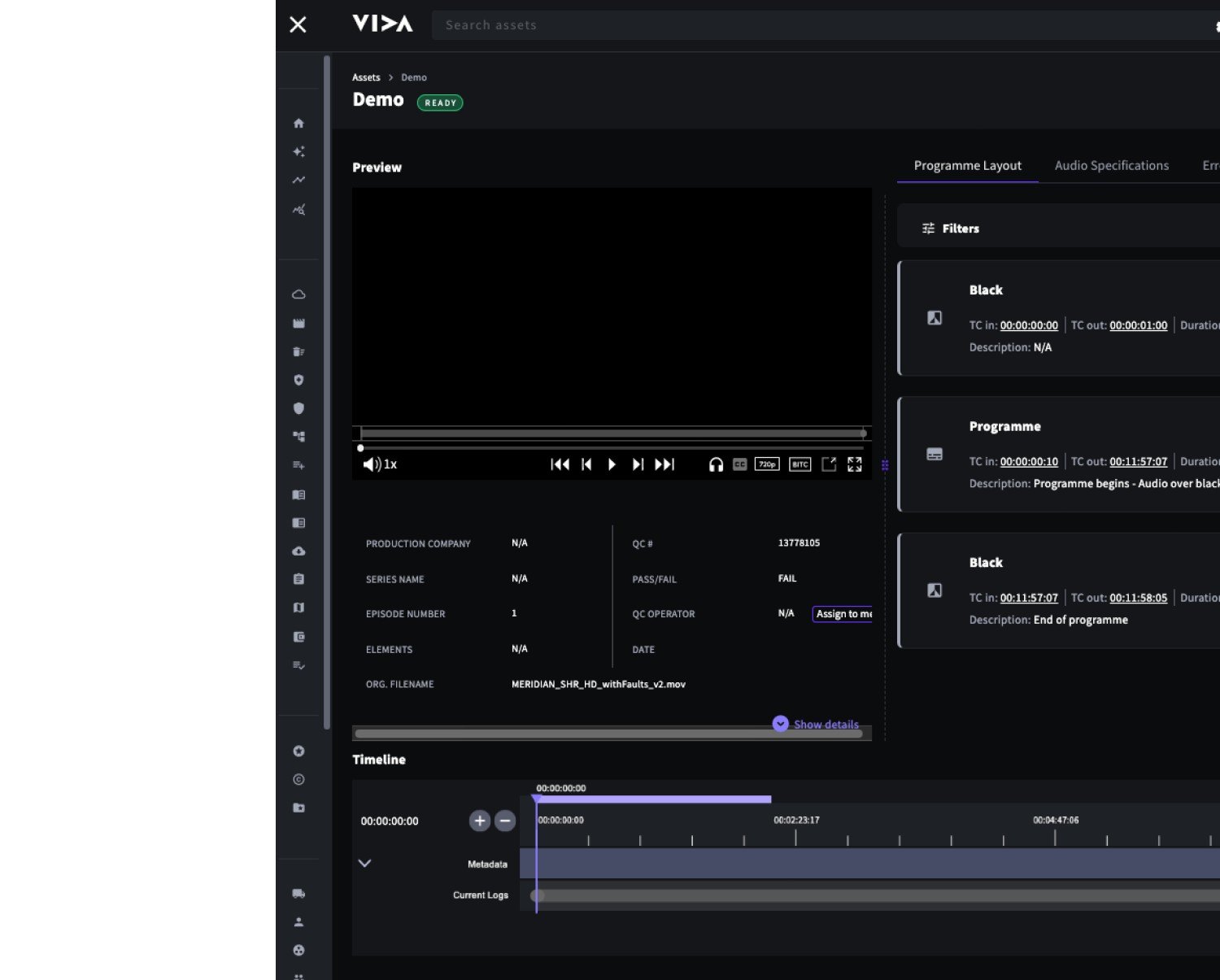
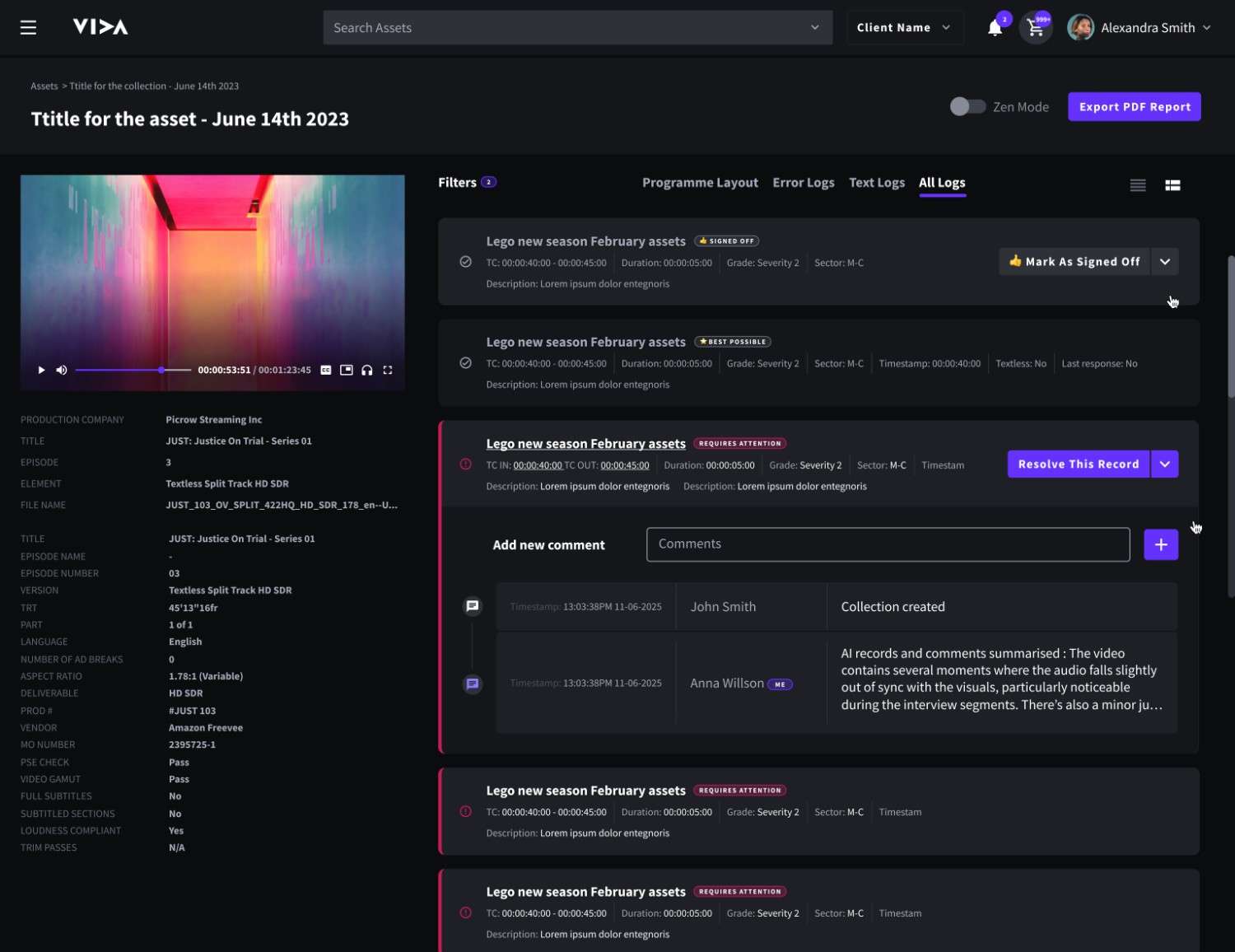
QC as part of the content lifecycle QC Manager operates directly within VIDA , linking quality checks, comments, and approval status to the asset itself. QC is not a separate process that happens somewhere else and feeds back in. It’s a visible, traceable step in the content lifecycle. Every QC action (a comment, a status change, a sign-off) is attached to the asset it relates to and visible to the people who need to see it. There’s no need for switching tools, chasing confirmations, or wondering whether the latest feedback has been acted on.
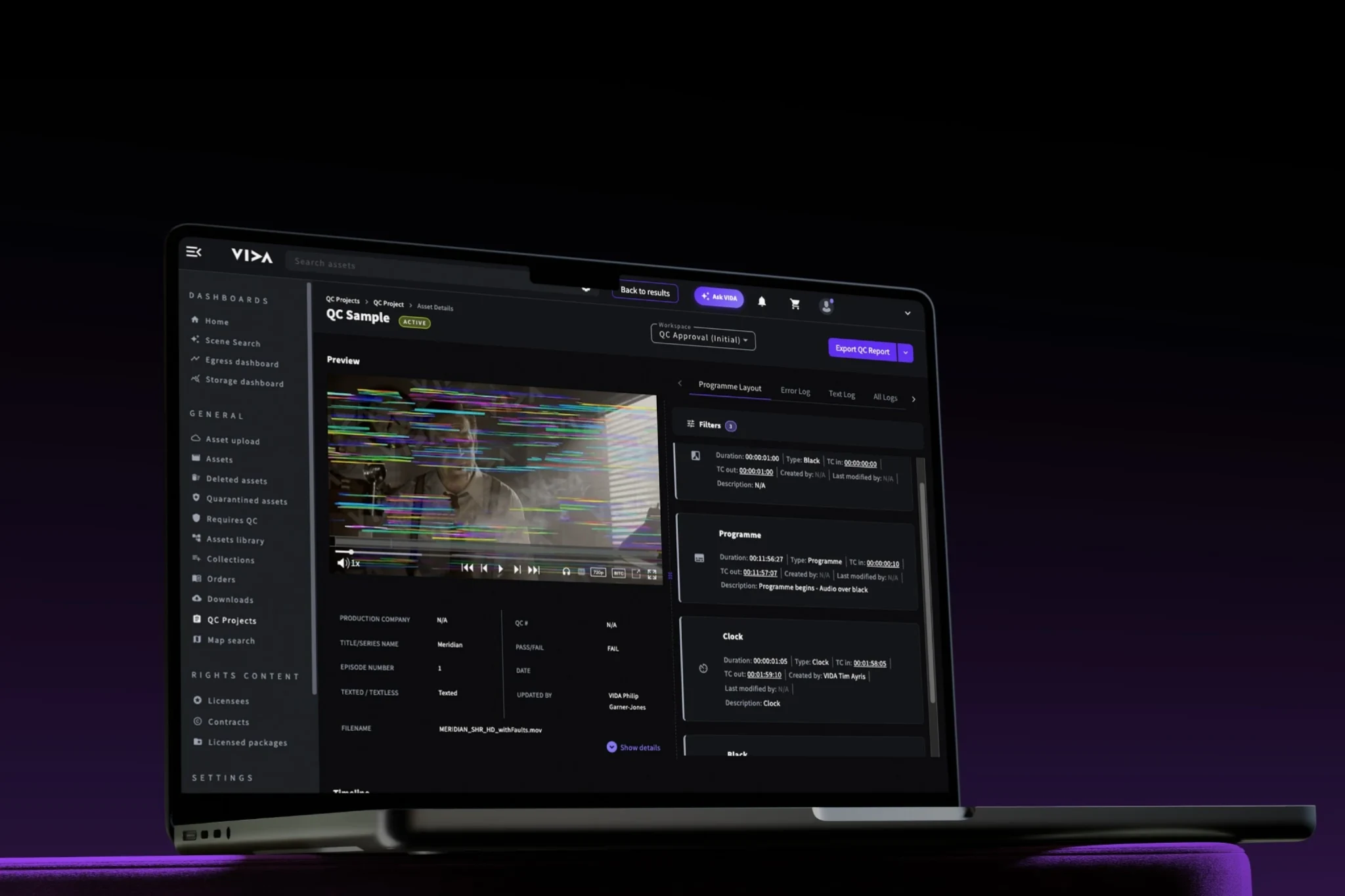
The QC Manager centralises review, feedback and approval into a visible workflow embedded directly within VIDA
QC Manager exists to make review structured and repeatable
Clear. Centralised. Traceable.
When feedback is tied to the asset and visible to everyone involved, QC stops being a coordination problem and becomes a clear, managed process. The QC Manager is built to make that the default, not something that requires extra effort to maintain.
Before content enters the library, it needs to meet technical standards. QC Manager is used as the checkpoint before acceptance. Reviewers assess incoming assets in VIDA, log issues directly against the media, and manage approval status without leaving the platform. Content only advances once QC is complete, keeping the library clean from the start.
B. Managing supplier feedback
Working with post-production partners and external suppliers means coordinating feedback across organisations. QC Manager provides both sides with a shared, structured environment for feedback and responses. Issues are logged, tracked, and resolved within VIDA, reducing rounds of back-and-forth and the risk of feedback getting lost or misunderstood.
C. Tracking approvals across versions
When assets go through multiple revisions, approval status can quickly become unclear without a central tracking system. QC Manager tracks approvals and revisions across versions of the same asset, so teams always have a clear record of what was approved, by whom, and when. This means no ambiguity or informal sign-offs that can’t be verified later.
D. Maintaining an audit trail
For teams with compliance requirements or internal governance processes, a clear record of QC decisions is essential. QC Manager maintains a traceable history of all QC activity for each asset. This supports reporting, and situations where the history of a decision needs to be visible and defensible.
Who benefits from QC Manager
QC Manager supports the teams responsible for reviewing, validating, and approving content before it moves forward.
When multiple contributors are involved in review, QC Manager keeps communication structured and responsibilities clear.
Internal operations & QC teams
managing intake and delivery standards
Post-production & technical teams
responsible for asset readiness
External suppliers
contributing revisions or responding to logged issues
Anyone
accountable for sign-off, version tracking, or compliance visibility